
360° After Effects Tutorial
Get background with Backlot360° After Effects templates, such as “Ambush Alley” Background Pack:
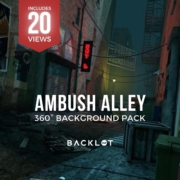
This tutorial teaches you how to work with our 360° Adobe After Effects template files using Backlot360° pre-rendered equirectangular images. Learn how to replace images and text within 3D Mode in After Effects, using Virtual Composer.
Length: 12:29
Posted: July 2020

How do you save a 360° still image from After Effects?
In After Effects go to the composition menu at the top of the interface
select save file as
name the file and press render
Open Photoshop
At the top menu click 3D
Select spherical panorama from the drop-down menu
select import panorama
At the top menu click 3D
select export panorama
save the file as .jpg
this process will add the metadata to the file that allows it to be seen by 360 viewers